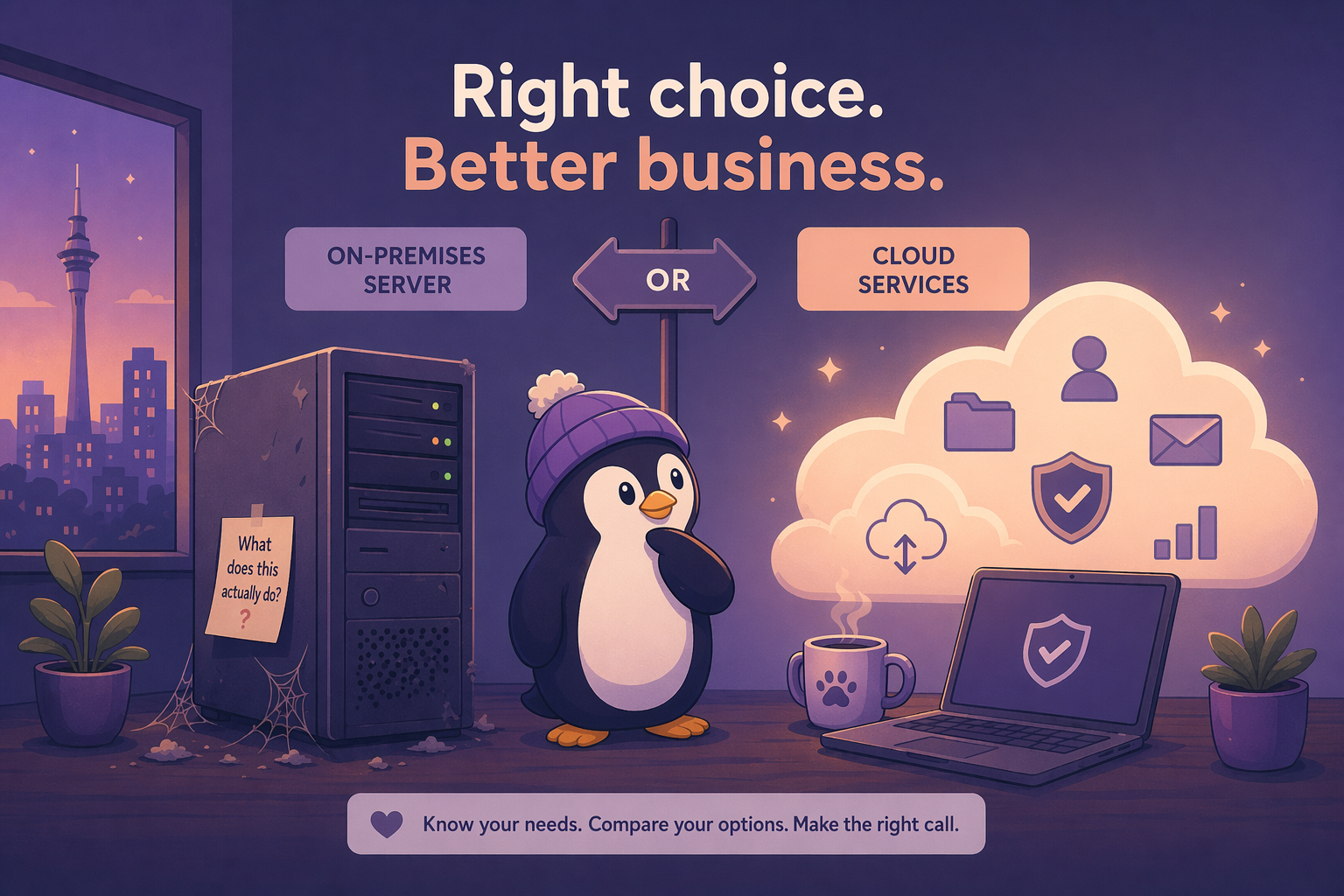
I walk into a lot of small businesses and find the same thing: a dusty tower server sitting on the floor under someone’s desk, humming away, doing… what exactly?
When I ask, I usually get: “It runs our accounting software” or “That’s where our files are.” Sometimes it’s: “Honestly, I’m not sure what it does. Bob set it up before he left.”
Let’s fix that. If you’re paying for a server you don’t need, that’s money wasted. And if you’re not using a server when you should be, that’s a risk. Here’s how to tell the difference.
What a Server Actually Does
First, let’s clear something up. A server is just a computer that provides a service to other computers on the network. That’s it. It doesn’t have to be a $5,000 rack-mounted Dell. It could be a mini PC running Linux. The concept is what matters.
Servers typically handle:
- File storage and sharing — everyone’s documents in one place, with permissions
- Centralised backups — all machines back up to one location
- Running shared applications — accounting software, databases, line-of-business apps
- User management — Active Directory for login credentials and policies
- Email — if you run your own mail server (rare for small business)
- Print sharing — managing printers across the network
When the Cloud Replaces the Server
For a lot of small businesses, the cloud already does most of this. Here’s the mapping:
| Server Role | Cloud Alternative |
|---|---|
| File storage | OneDrive, Google Drive, Dropbox |
| Accounting software | Xero, MYOB Online, QuickBooks Online |
| Microsoft 365, Google Workspace | |
| Backups | Cloud backup (Veeam, Acronis) |
| User management | Microsoft Entra ID (Azure AD) |
| Print sharing | Direct IP printing or cloud print services |
If your business runs on M365 and Xero, and your files are in OneDrive, you might not need a server at all. Seriously.
When You Still Need a Server
There are legitimate reasons to keep a server on-premises:
1. Line-of-business software that requires it. Some older (or niche) applications need to run on a local server. If your industry-specific software requires a Windows Server backend, that’s not something you can just cloud away.
2. Internet reliability. If your business is in an area with unreliable internet, relying entirely on the cloud is a gamble. A local server keeps things running when the connection drops.
3. Large file workloads. If you’re working with large files — video editing, CAD, large databases — transferring everything to the cloud and back is slow and expensive. Local storage is faster and doesn’t eat your bandwidth.
4. Data sovereignty or compliance. Some industries have requirements about where data physically lives. If you can’t put data in the cloud due to regulatory requirements, on-premises is your only option.
5. Latency-sensitive applications. If an application needs ultra-low latency to a database or file server, a local machine will always beat a cloud connection.
The Hidden Cost of “Free” Servers
That old server under the desk isn’t free. Here’s what it’s actually costing you:
- Power: A server running 24/7 draws 100-400W depending on load. At NZ electricity rates, that’s roughly $500-$1,600/year.
- Hardware replacement: Servers last 5-7 years. When they die, a replacement is $2,000-$5,000.
- Maintenance: Updates, patches, troubleshooting. If you don’t have in-house IT, that’s an MSP callout every time something goes wrong.
- Backup: You need to back up the server itself. That’s another cost.
- Security: An unpatched server on your network is a liability. It needs monitoring, firewall rules, and regular updates.
- Noise and space: It’s under someone’s desk. It’s hot. It’s loud. That’s not nothing.
Add it up and a “free” server is costing you $1,000-$3,000 per year, minimum.
The Cloud Isn’t Free Either
On the flip side, cloud services have ongoing costs:
- M365 Business Premium: ~NZ$36/user/month (excl. GST, annual billing)
- Cloud backup: ~$5-$10/device/month
- Cloud accounting (Xero): ~NZ$35-$125/month (excl. GST)
- Cloud storage beyond included tiers: varies
For a 10-person business, you’re looking at roughly NZ$450-$600/month in cloud subscriptions. That’s NZ$5,400-$7,200/year.
Neither option is free. The question is which set of costs and tradeoffs makes sense for your business.
The Decision Framework
Ask yourself these questions:
- What does our server actually do? If you can’t answer this, that’s your first problem.
- Can each of those functions move to the cloud? List them out. Check.
- What’s the total cost of the server (power + hardware amortised + maintenance + backup)?
- What’s the total cost of the cloud alternative (subscriptions for each service)?
- Do we have compliance or connectivity constraints that prevent cloud migration?
- What happens if the internet goes down? Can the business function for a day without cloud access?
If the cloud alternative is cheaper, your internet is reliable, and nothing requires on-premises — decommission the server. Redirect that money and attention elsewhere.
If you’ve got a genuine need for a local server, keep it. But maintain it properly. A neglected server is worse than no server at all.
The Bottom Line
The default assumption in 2026 should be cloud-first for small business. If you can do it in the cloud, do it in the cloud. Only run a server on-premises if you have a specific, identified need that the cloud can’t meet.
And if you do run a server, know what it does, keep it updated, and budget for its replacement before it dies at the worst possible time.
I’ve put together a full Server vs Cloud decision guide on Patreon — including a cost comparison template you can fill in with your actual numbers, a migration checklist for moving services to the cloud, and a “decommissioning plan” for when you’re ready to turn that dusty tower off for good. Get it here.