When I think of a small business I think of a husband wife combo. A plumber or builder where the partner assists with accounts, maybe an apprentice or 2. Not exactly a big business and as such, probably not a lot of funds to spend on IT support if anything at all. My own parents ran their own floor sanding business for many years and profit margins are tight but luckily for them, I was the IT support.
With my small business scope in mind, I do worry that there are solid battlers out there, earning an honest dollar with little to no budget or time to spend on adequate backup solutions. I assume they’re running some sort of system like OneDrive, Google Drive or Dropbox thinking they’re backed up to the cloud, job done right? Nah, that’s a sync, not a backup.
That may sound elitist, but this is a critical distinction. It’s the difference between recovering from an IT disaster or losing everything. Let’s crack on to understand the difference and clear it up.
What People Think Backup Means
A backup should never be treated as chore. I think some SMB’s (small medium business) treat backups as a task that once done is completed. Data copied to an external hard drive, maybe some files saved in cloud storage. Tick!
Little care of thought is given to something that, in my humble opinion, is one of the most important things a business can do. In my day to day job, albeit a big multi country company, there is always someone (practically weekly) that asks if I can restore a file/folder because they accidentally overwrote/deleted it.
Side Quest (Rant)
I’m going to take a quick detour here for a rant. Feel free to skip this part but I think I need to dump this so I stay sane.
It really grinds my gears that people are so flippant with their corporate data. “Oh can you restore x, I accidentally deleted it”. What would happen if we didn’t have that backed up? Would you be more careful?
I grew up in the 80’s and 90’s where we had trampolines with exposed springs and no safety nets. You’d do a flip or some munter mate would double bounce you. You would often land, legs between the springs, grazes etc… if you were lucky. Sometimes you would bounce straight off altogether. This taught you to be careful unlike the children today that grow up with zipped up nets stopping them from learning a valuable life lesson.
Anyway the tramp rant is how I see people today. They are so used to having the net (backups) that they are reckless with their files. The assumption is that I can restore it for them. News flash, depending on budget, some things may not be backed up. Take some ownership and be careful with your files!
Anyway, enough of this rant even though it has been quite cathartic
What People Think Backup Means - Continued
What most people think is a backup is actually just file syncing — OneDrive, Google Drive, Dropbox. These tools are great for day‑to‑day use, but they’re not backup systems. That’s not what they were designed for.
Here’s why that matters: if you, your partner, or any staff you may have accidentally delete files or folders, that deletion is synced everywhere. If ransomware encrypts your files, the encrypted versions are replicated across all devices as well.
Most of these platforms do offer some mitigation by keeping a limited number of file versions that you can roll back to. But if you’re not regularly accessing all of those files and folders, there’s a real risk you won’t notice a problem until it’s too late.
Syncing keeps your files available. Backup keeps your files recoverable. Those are two very different jobs.
And files and folders aren’t the only things that need backing up. Locally installed software that’s critical to the business also needs to be considered. Is this software essential to how you operate? Can you recover if your hard drive gives up the ghost? Even if you have a copy, is it as simple as reinstalling and pointing the application back at the data?
So What Is a Real Backup?
To me, a real backup means in the event where you lose a file, delete a folder or you start your computer/laptop up and you have a blue screen of death, you know you are able to recover and get back up and running.
A real backup is a separate, independent copy of your data that can be restored to a specific point in time. The copy doesn’t change when your live data changes. No syncs, it’s just a break glass in case of emergency copy of your data for when you need it.
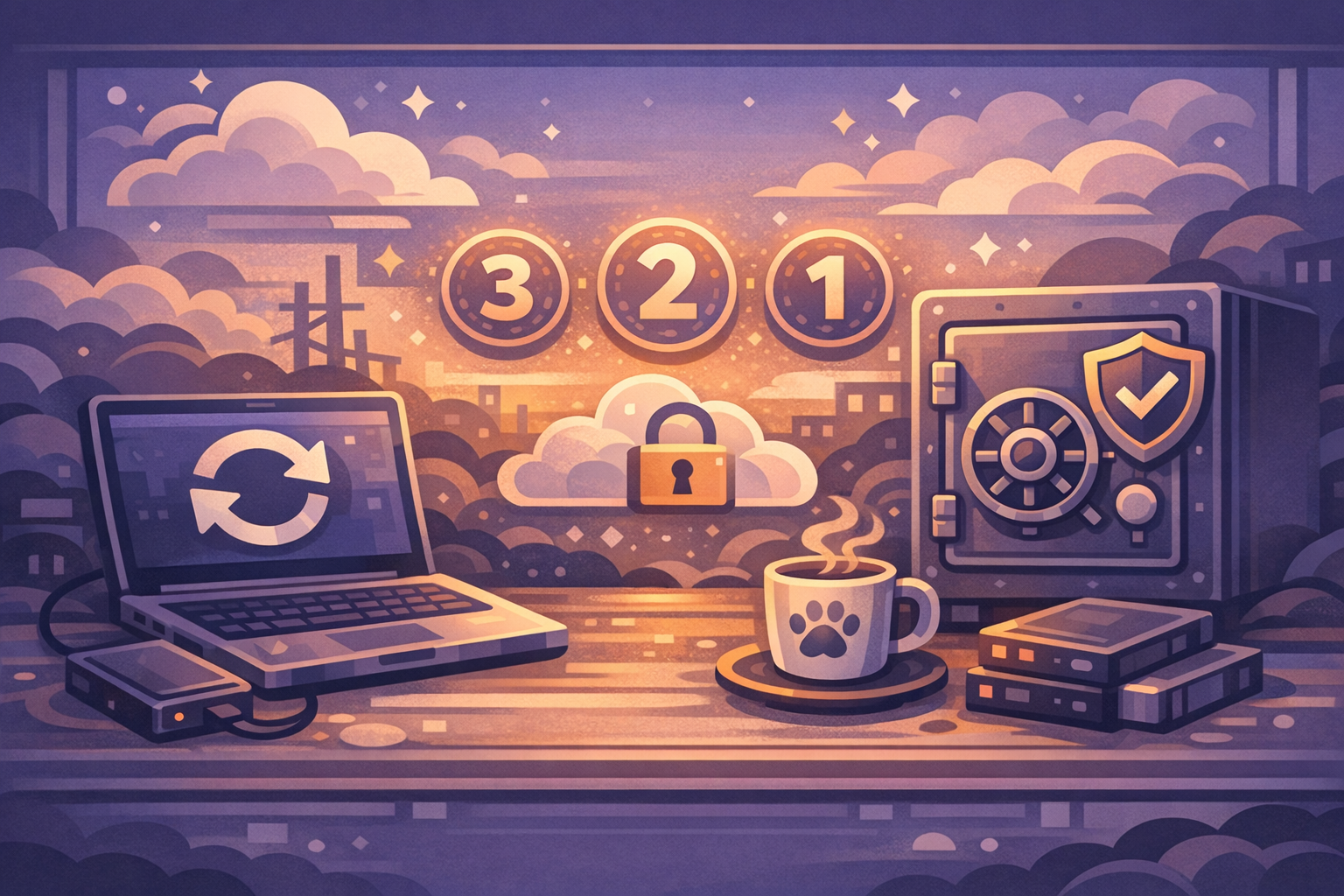
At a minimum following a 3-2-1 rule is a good starting point. This is a baseline to start with and you can build on it from there depending on how often your files are changing and how much work you want to make for yourself:
- 3 copies of your data (the original plus two backups)
- 2 different types of storage (say, a local device and the cloud)
- 1 copy stored offsite (physically separate from your office)
Remember, this isn’t overkill. It’s the minimum standard that actually protects you when things go sideways — whether that’s a hardware failure, a cyberattack, a fire, or plain old human error.
Where SMBs Commonly Get It Wrong
Blind trust, assumptions and wilful thinking is where most issues arise.
If you are lucky enough to have some IT guru that takes backups for you have you verified them? Do you know how often or what is being backed up? There is a common saying in Crypto Currency circles, “don’t trust, verify” which basically means don’t trust a “trust me bro” person, make sure it is what they say it is.
Some think they are small fish, too small to be a ransomware target. Well, given the current landscape with AI and script kiddies online. It’s not a case of if you will be targeted but a case of when. We are all busy and prone to mistakes especially when you’re grinding hard to make a buck and you mistake a malicious email for a legit one. Never assume you are too small to be a target. Some people just dangle a hook out there with malicious stuff for shits and giggles and you happen to be the fish that latches on.
Lets say you actually do have backups. Have you tested them? This comes back to the “don’t trust, verify”. A backup isn’t a backup until you can verify it will be capable of doing what you need it to do. If you have taken a full backup image of your computer have you restored this in a development location to confirm:
- You actually know how to restore your computer in a disaster recovery situation
- That your backups are actually working Verify!!!.
“We back up our files, so we’re fine.” Files are only part of the picture. What about your email? Your accounting software? What about your passwords that you save to your browser (which you shouldn’t but that is another topic later). A proper backup strategy covers your entire business environment, not just the documents folder.
Why This Matters More Than You Think
Data loss isn’t a hypothetical. Hard drives fail. Employees make mistakes. Ransomware is a real and growing threat to every business no matter the size. And when data disappears, the consequences are immediate: operations grind to a halt, invoices can’t go out and customer records vanish
The businesses that recover quickly from these events aren’t lucky — they’re prepared. They have real backups, they test them regularly, and they know exactly what’s protected and what isn’t.
What You Should Be Asking
You don’t need to become a backup expert. But you do need to ask the right questions — of yourself, or of whoever manages your IT:
- What exactly is being backed up? (Files, emails, databases?)
- How often are backups running?
- Where are the backups stored? Is there an offsite copy?
- When was the last time a backup was actually tested by restoring data from it?
- How long would it take to get back up and running after a total loss?
If you can’t answer these questions — or if the answers make you uncomfortable — that’s a sign it’s time to take a closer look.
The Bottom Line
“Backup” isn’t a product you buy or a box you tick. It’s a strategy. It’s knowing that when something goes wrong — and eventually, something will — you can get your business back to where it was, without losing days, weeks, or years of work.
If the only thing standing between your business and total data loss is a OneDrive sync and a prayer, it’s time to have a proper conversation about what backup really means.